How to change format coordinat in degree, degree-minutes, or degree-minutes-second?
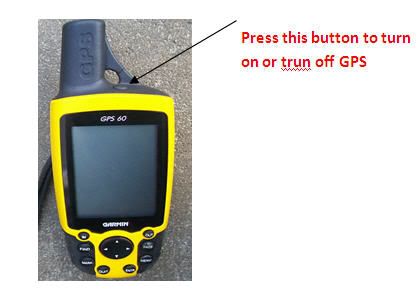
-> Turn ON GPS
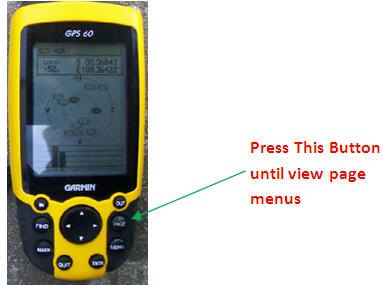
-> Press Page button until view page menus.
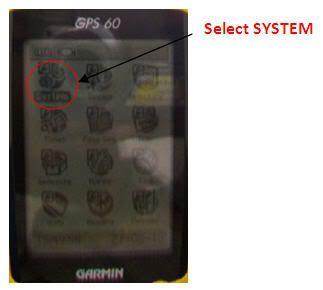
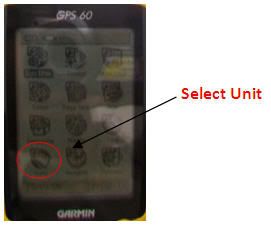
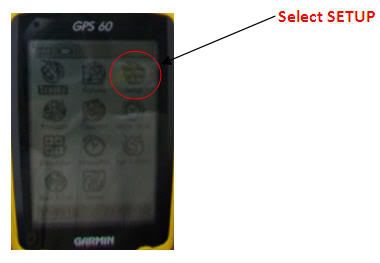
-> Select SETUP than select Unit
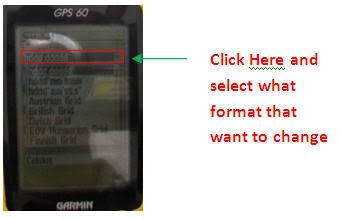
-> At grid position select what format that want to change (degree, degree-minutes, or degree-minutes-second, etc).
Below is the picture step by step to Change Format Coordinat in GPS:
Label: GPS, Surveyor
Read more!
How to insert coordinat in GPS?
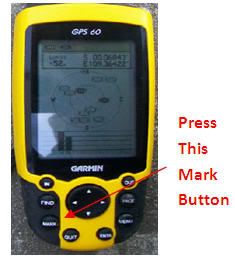
-> Turn ON GPS and Press mark button.
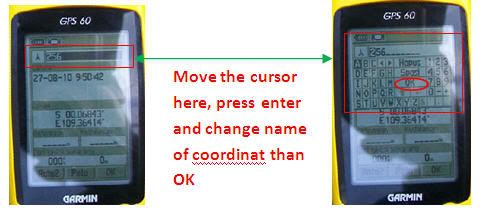
-> scroll cursor on the above to change name of the coordinat by press enter -> OK.
-> scroll cursor down to location -> enter
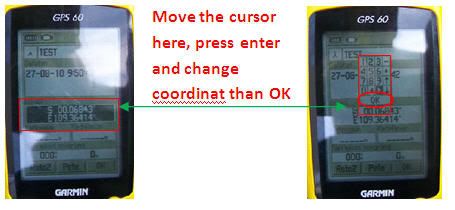
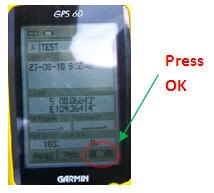
-> change or insert coordinat-> OK
Below is the picture step by step to Insert Coordinat in GPS:
Label: GPS, Surveyor
Read more!
How to change language in GPS?
-> Trun on GPS
-> Contunuies Press page button until view page menus.
-> Select SETUP and than select System.
-> At Text Language choose language that want to change.
Below is the picture step by step to change language in GPS:
Label: GPS, Surveyor
Read more!
How to mark a new coordinat in GPS?
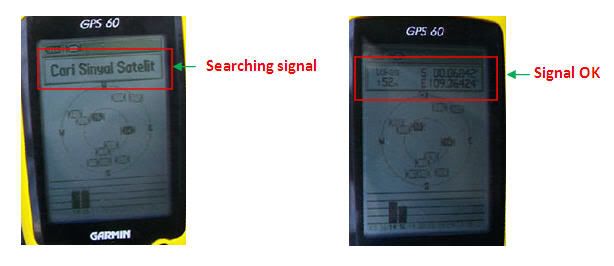
Turn on GPS and put it to open place (i.e. field).
Wait GPS Searcing and get signal from Satelit.
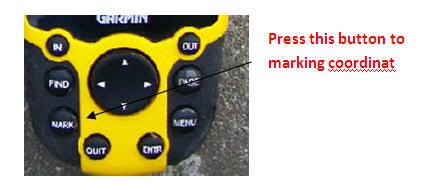
-> Press mark button
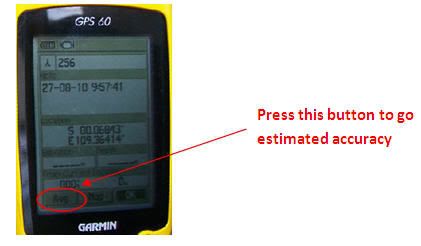
-> move cursor to AVG button -> enter.
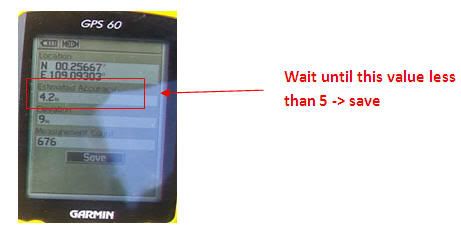
-> wait until estimated accuracy have value less than 5 -> save (this propose to make sure that coordinat in the best value).
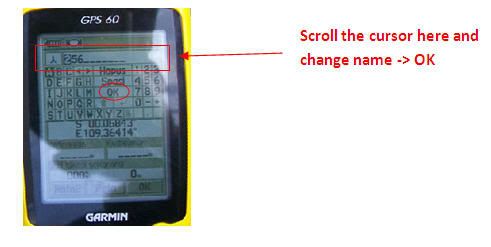
-> scroll cursor on the above to change name of the coordinat by press enter -> OK.
Below is the picture step by step to marking a new coordinat.
Label: GPS, Surveyor
Read more!